
Real-Time Updates Without Polling – My Switch to Server-Sent Events
What is Polling?
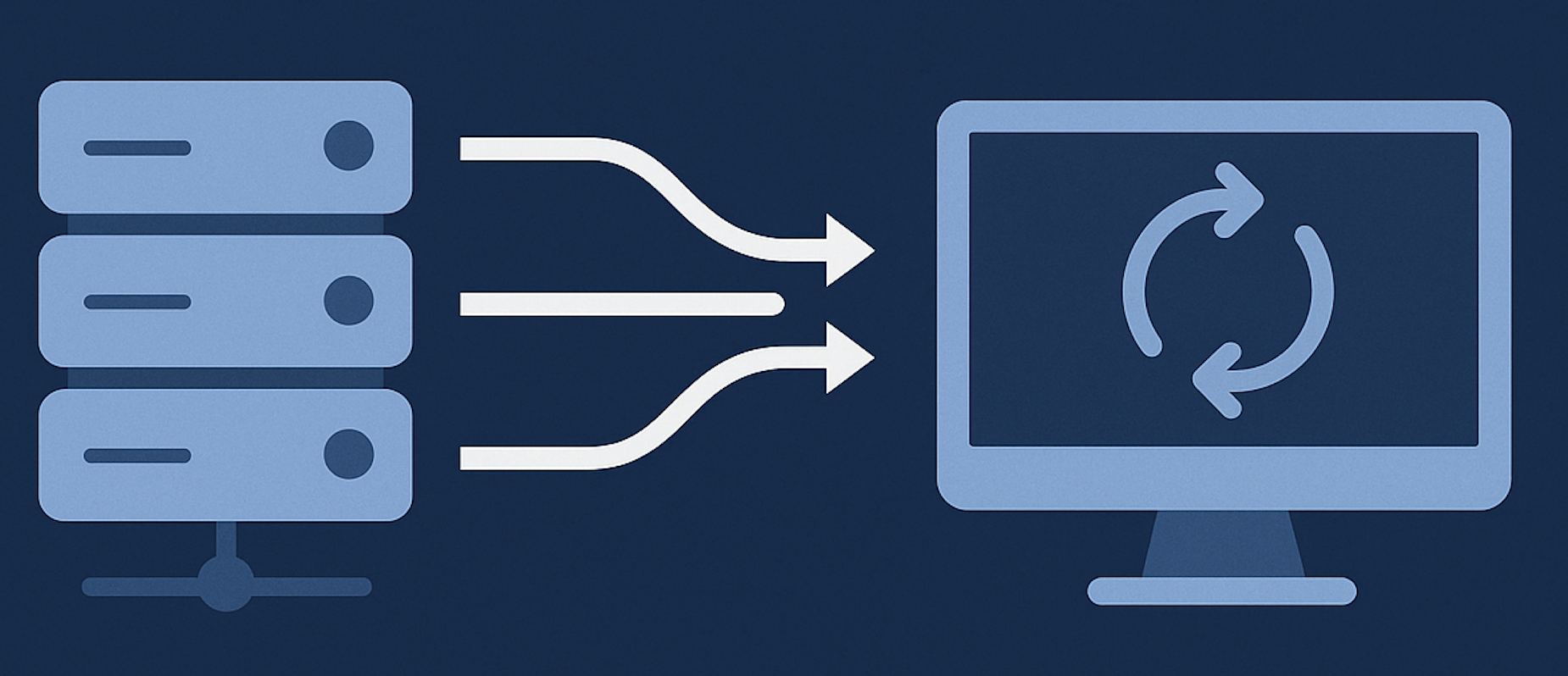
Before we dive into Server-Sent Events, let’s quickly cover polling — a common technique used for fetching real-time data. Polling is when a client repeatedly sends requests to the server at fixed intervals to check if new data is available. Think of it like asking, “Do you have any new updates yet?” every few seconds. While it’s simple and effective, polling can be inefficient, especially when there’s no new data to return, resulting in unnecessary network traffic and slower updates.
For example, a web application might poll a server every 5 seconds to check for new messages or notifications. But this constant back-and-forth can quickly add up in both traffic and server load.

❌ The Problem
In one of my recent projects, I needed to deliver real-time updates to the frontend. My initial approach was straightforward: I used setInterval() in JavaScript to periodically poll an API endpoint for new data.
It worked—until it didn’t.
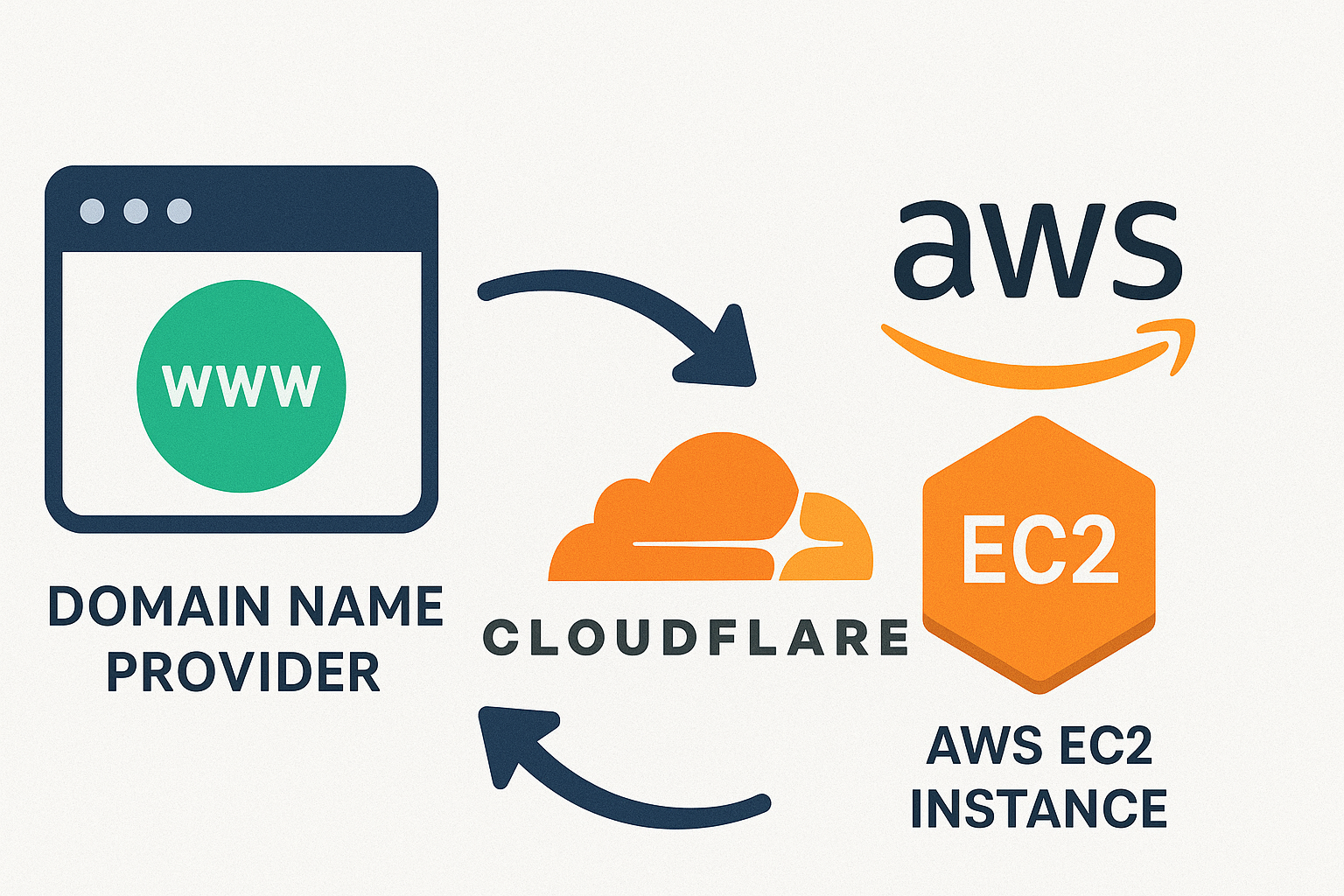
After deploying, users started seeing Cloudflare errors like:
- 502 Bad Gateway
- 504 Gateway Timeout
- 429 Too Many Requests
Why? Because polling was creating too many requests, overwhelming the backend and triggering rate limits.
✅ The Solution: Server-Sent Events (SSE)
During my research, I discovered Server-Sent Events (SSE) — a far more efficient way to push real-time data from the server to the browser, eliminating the need for the client to repeatedly poll the server.
What is SSE?
Server-Sent Events (SSE) is a server push technology enabling a client to receive automatic updates from a server via an HTTP connection, and describes how servers can initiate data transmission towards clients once an initial client connection has been established. (Server-sent events - wikipedia)
Key Features of SSE:
-
Unidirectional communication: Server → Client only.
-
Built-in support in browsers via the EventSource API.
-
Text-based format: Data is sent as plain UTF-8 text with specific formatting (data:, event:, etc.).
-
Fully relies on HTTP and has support for both HTTP/1.1 and HTTP/2
-
Automatic reconnection and event ID tracking (so the server knows where the client left off).
👨💻 SSE with Django and JavaScript
Here’s a simple example using Django to stream real-time data using SSE.
1. Create a Django view for streaming
# views.py
import time

from django.http import StreamingHttpResponse
from django.shortcuts import render


def sse_view(request):
    def event_stream():
        while True:
            time.sleep(1)
            message = f"data: Server time is {time.strftime('%H:%M:%S')}\n\n"
            yield message
    return StreamingHttpResponse(event_stream(), content_type='text/event-stream')


def index(request):
    return render(request, 'index.html')
2. Add a URL route
# urls.py
from django.urls import path

from .views import sse_view, index

urlpatterns = [
    path('events/', sse_view, name='sse'),
    path('', index, name='index'),
]
3. Frontend with plain JavaScript
<!-- templates/index.html -->

<!DOCTYPE html>
<html lang="en-us">
<head>
  <meta charset="UTF-8" />
  <title>SSE Demo</title>
</head>
<body>
  <h2>⏱ Server Time:</h2>
  <div id="output">Waiting for server...</div>

  <script>
    const source = new EventSource('/events/');

    source.onmessage = function(event) {
      document.getElementById("output").innerText = event.data;
    };

    source.onerror = function(err) {
      document.getElementById("output").innerText = "🔴 Connection lost.";
      console.error("EventSource failed:", err);
    };
  </script>
</body>
</html>
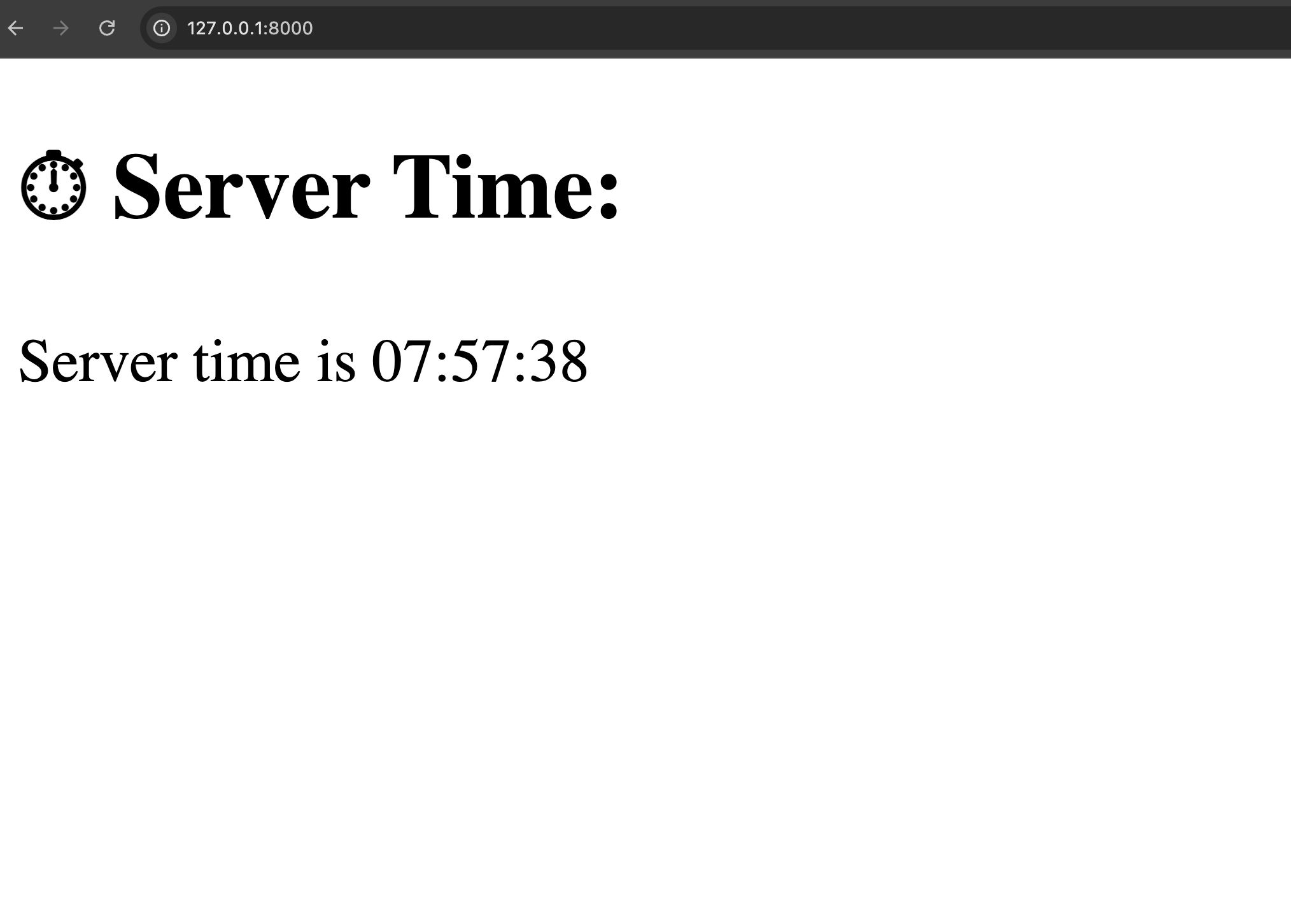
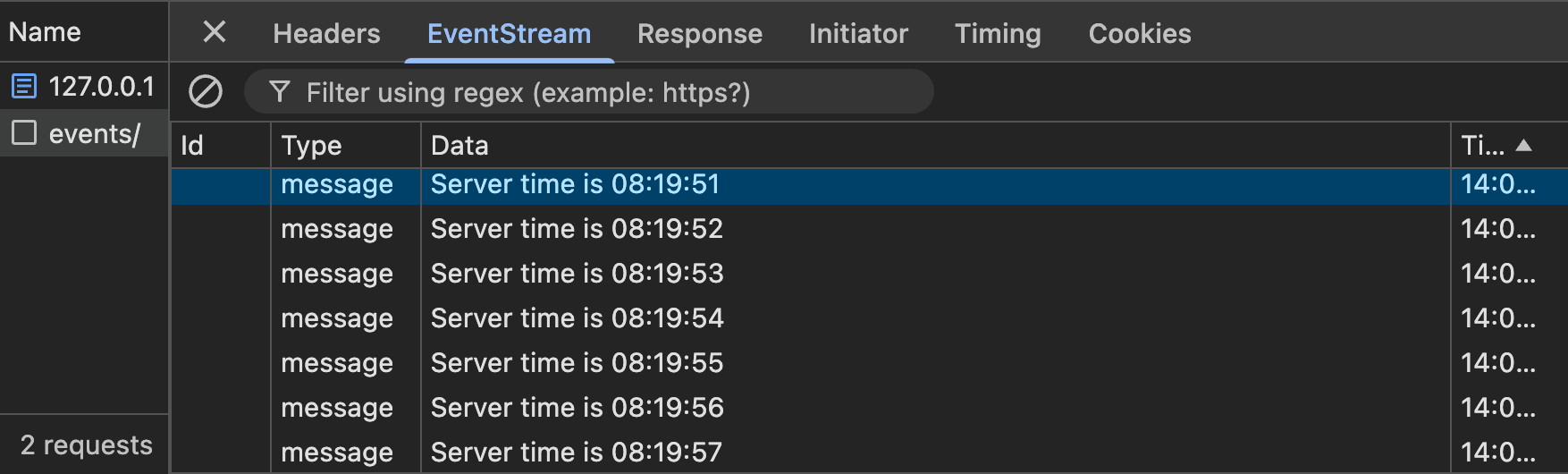
📸 Here’s a preview of the output:
🔗View the Full Code on GitHub
You can view and clone the full working demo from my public GitHub repository here:
👉 https://github.com/ShivaBsnt/ServerSentEvents.git
🧠 Conclusion
Replacing polling with Server-Sent Events (SSE) helped me solve real-time update issues without overloading the server. It simplified my backend logic, reduced client-side requests, and gave users a smoother experience. For one-way communication from server to client, SSE turned out to be a lightweight and reliable solution.
✅ Key Takeaways
-
❌ Polling can trigger rate limits and gateway errors under heavy load.
-
🔄 SSE is ideal for real-time updates when you only need server ➡️ client communication.
-
🌐 Built-in browser support via EventSource makes it very accessible.
-
🚀 Scales better than repeated fetch calls and provides a persistent connection.
Leave a comment